Adobe Express Tutorial Series
Content Design / Video Production
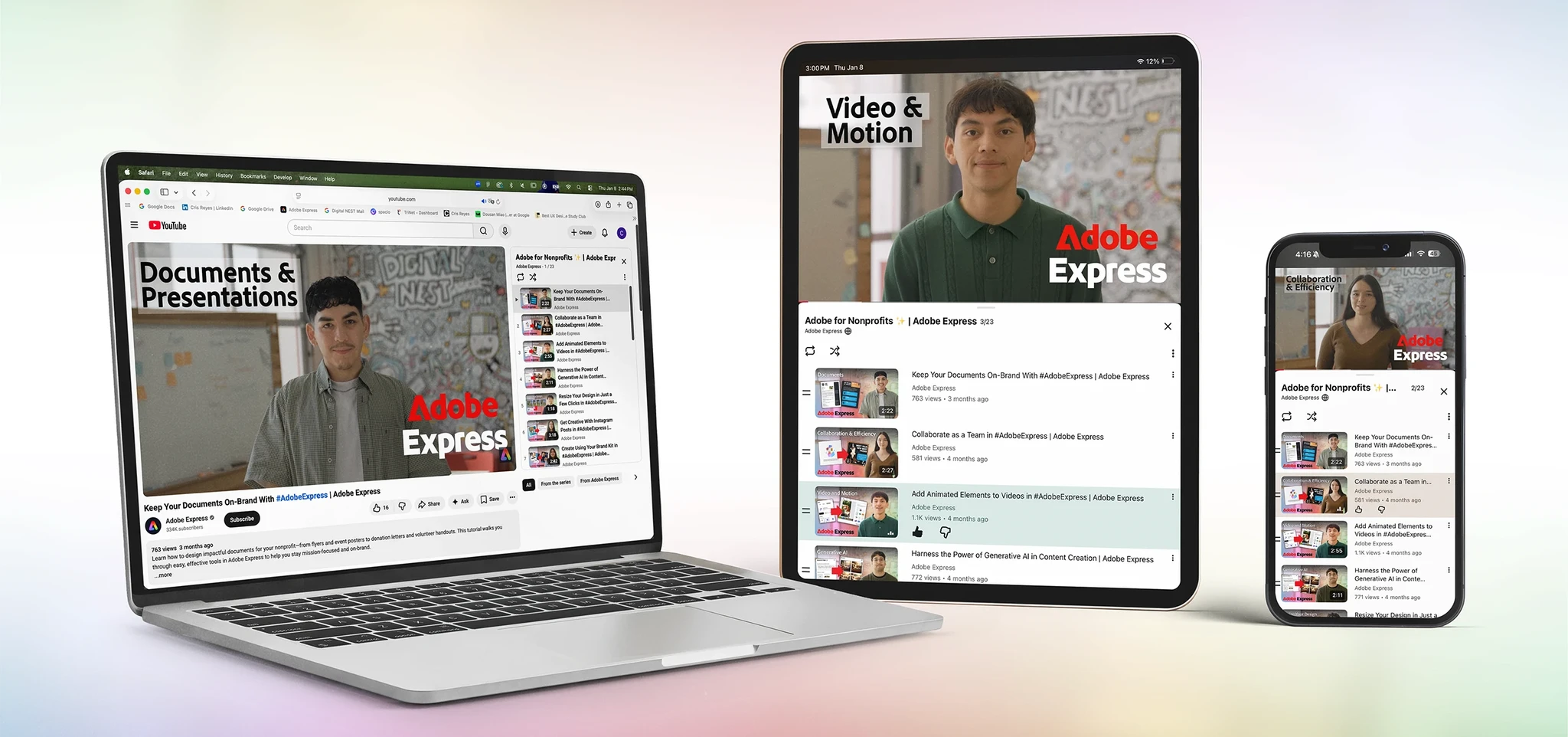
Adobe needed nonprofits to actually use Express. So we made tutorials that felt like a coworker showing you the ropes.
Most users didn't just need help using the tool. They needed help understanding how it fits into their everyday work.
[Project Overview]
Adobe partnered with Digital NEST to produce a 9-video getting-started series for Adobe Express, aimed at nonprofit organizations. I led content strategy, ran user research, and handled end-to-end production, from storyboards through editing and thumbnails, for a series that now lives on Adobe Express’s YouTube channel.
[Problem Statement]
Nonprofit teams run lean. One person might be doing outreach, managing social, writing copy, and designing materials, all before lunch. Adobe Express is built to be accessible, but “accessible” only goes so far when you’re already overwhelmed.
During our interviews, one nonprofit had a single marketing coordinator handling all their design and content work. She wasn’t afraid of the tool. She was afraid of adding one more thing to learn. That feeling was everywhere.
Adobe for Nonprofits needed tutorials that didn’t just explain features. They needed to show people why it was worth their time.
[Goals & Objectives]
We aligned on four goals that shaped every content decision:
- Make Adobe Express approachable: introduce the platform in a way that feels simple and low-stakes for beginners.
- Demonstrate real use cases: show how nonprofits use it for outreach, storytelling, and day-to-day content.
- Keep learning quick and actionable: short tutorials people can follow and apply immediately.
- Encourage adoption: help nonprofit teams feel confident enough to actually integrate it into their workflow.
[Project type]
Content Design / Video Production[My Role]
Graphic Design Associate[Company]
Digital NEST × Adobe for Nonprofits[Platform]
YouTube[Timeline]
May 2024 – August 2024[Tools]
Also: FigJam, Miro, QuickTime
[Research Process]
Guiding Questions
Before planning a single video, we needed to understand how nonprofit teams actually create content. We went in with three questions:
How do teams currently create and manage their content?
Where do they get stuck, and what makes them avoid new tools?
What would make Adobe Express feel relevant to their actual work?
Interviews
I led interviews with three nonprofits across different sizes and missions:
R.O.C.K. SF
Small · Community programs
100 Cameras
Mid-sized · Photography & storytelling
Doctors Without Borders
Large · Global humanitarian aid
Key Findings
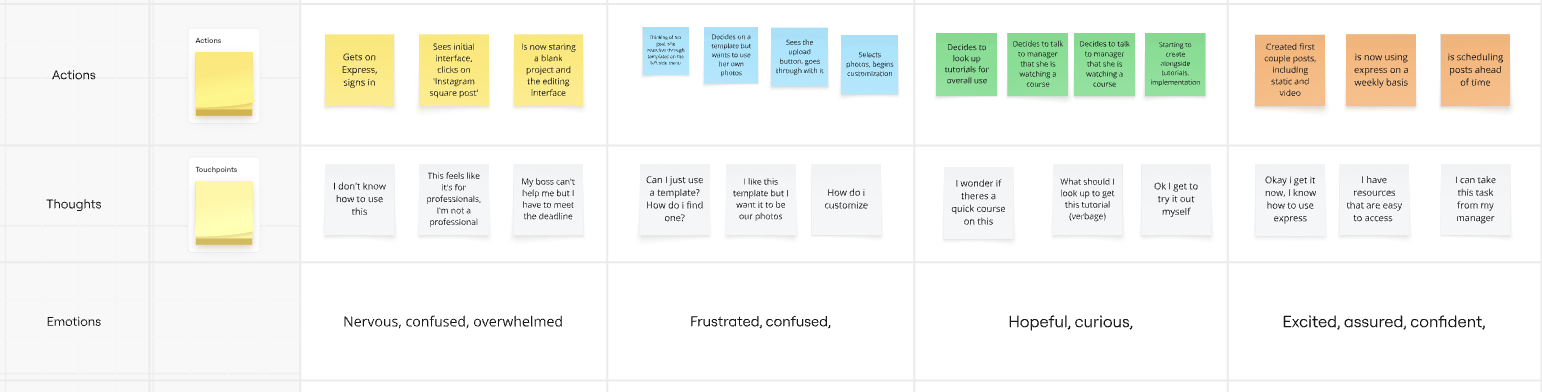
A few things came up in every conversation:
- Context over features: Users didn't struggle to learn the tool. They struggled to see how it applied to their work. Feature walkthroughs weren't the answer.
- Capacity anxiety: Most teams are stretched thin. Any new tool feels like a risk if the learning curve isn't clear upfront.
- Visual confidence gap: Many team members didn't consider themselves designers. They needed permission to feel like they could use a design tool.
[Personas]
The interviews surfaced three distinct user types. We built a persona around each one to keep the content strategy grounded in real needs.
Maya Torres
Small Nonprofit
“I'm the designer, the marketer, and the social media person. I need something I can actually learn fast.”
She wears every hat. Tutorials need to show her how to do something useful in under 5 minutes.
Jordan Kim
Mid-Sized Nonprofit
“We have a small team but a lot of content to push out. I need something scalable.”
Has a small team but high output demands. Needs workflows they can repeat without starting from scratch.
Sarah Patel
Large Nonprofit
“We have staff across multiple regions. Consistency is everything for us.”
Needs brand guardrails and team features. Tutorials should address templates and sharing.
[Content Strategy]
Use Cases Over Features
The research made one thing clear: a tutorial called “How to use the resize tool” lands differently than “How to repurpose your content for Instagram.” Same feature, totally different frame.
Using the personas, I proposed a 9-video series structured around nonprofit workflows, not Adobe features. Each video had to answer: “When would I actually use this?”
Social Content
Creating posts, stories, and visual assets for outreach
Brand Consistency
Using templates and brand kits across your team
Team Collaboration
Sharing assets and working across multiple contributors
Storyboarding
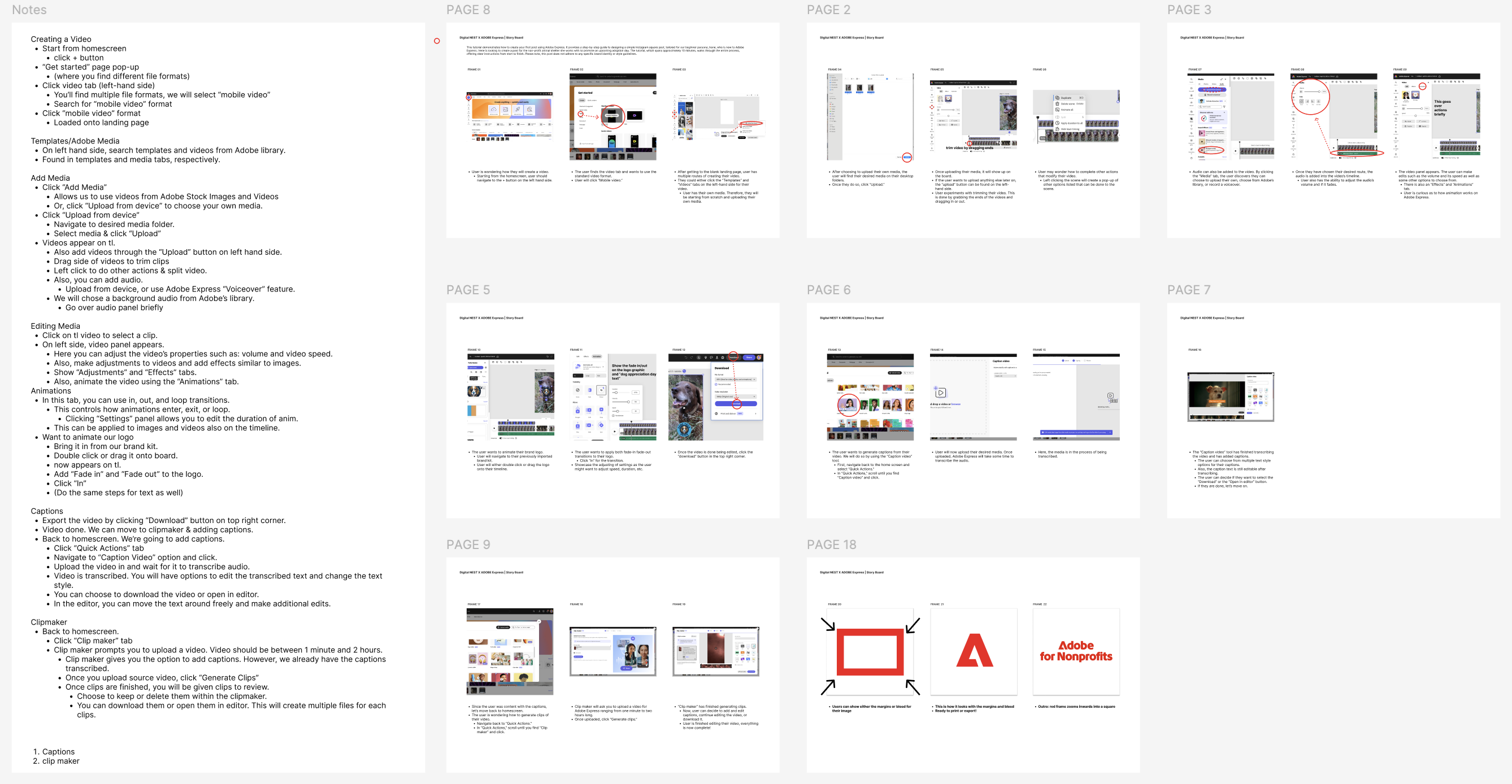
My team and I storyboarded every video before touching the recording software. We mapped out each workflow step-by-step, focusing on clarity over comprehensiveness. If it didn’t directly serve the use case, it got cut.
We focused on showing, not telling. Every step had a screen action behind it. Adobe reviewed and approved all concepts before we moved to production.
Production
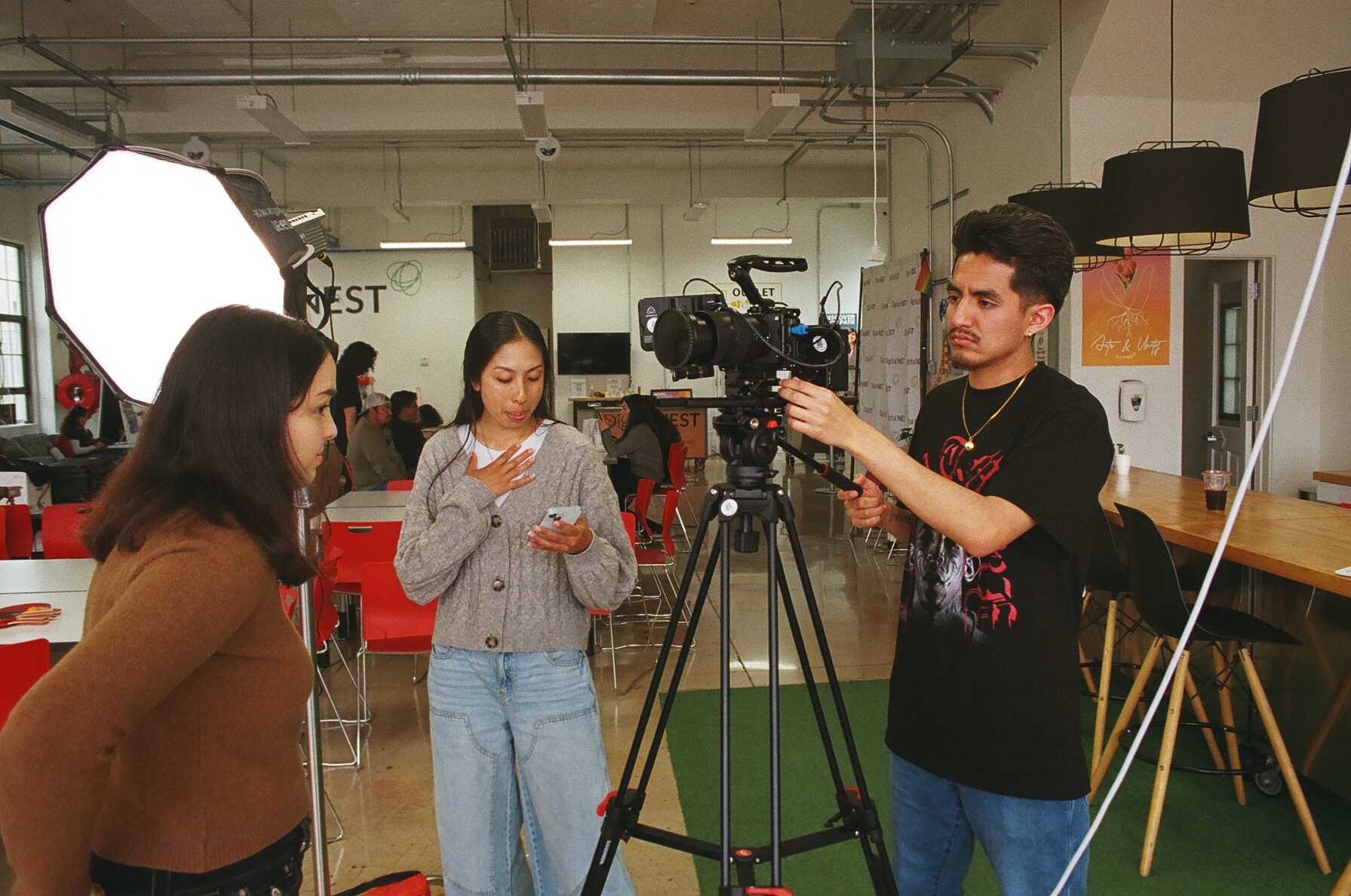
Videos were shot in a screen recording + voiceover format, with short live-action intros to set the use-case context before diving into the tool.
I handled recording (QuickTime), voiceover, editing in Premiere Pro, and thumbnails for all 9 videos. The live-action intros were produced with the video team.
[The Series]
9 Videos, 9 Use Cases
Each thumbnail was designed to feel approachable, on-brand with Adobe Express, and scannable at YouTube thumbnail scale. Here’s the full series:
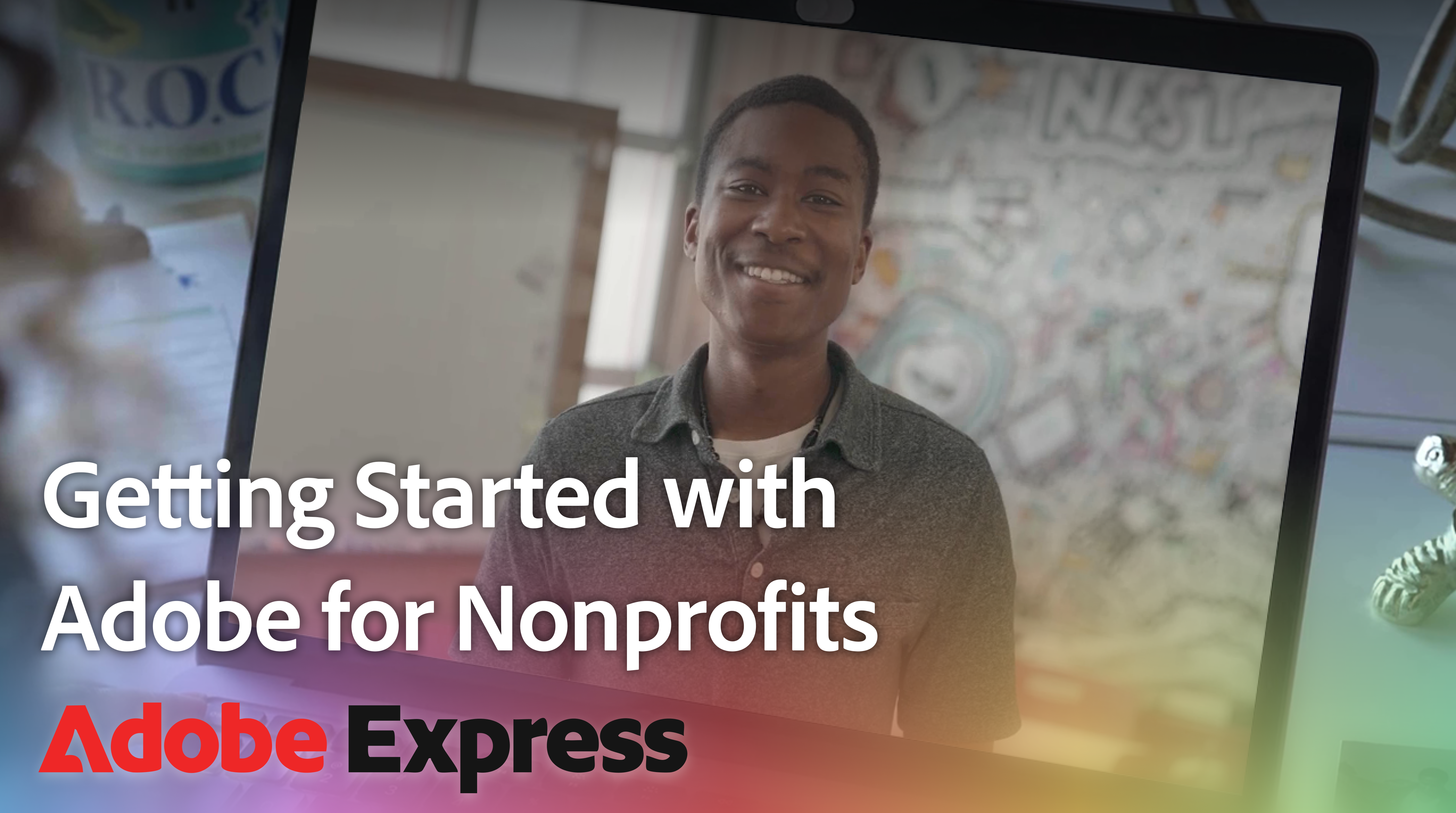
Getting Started
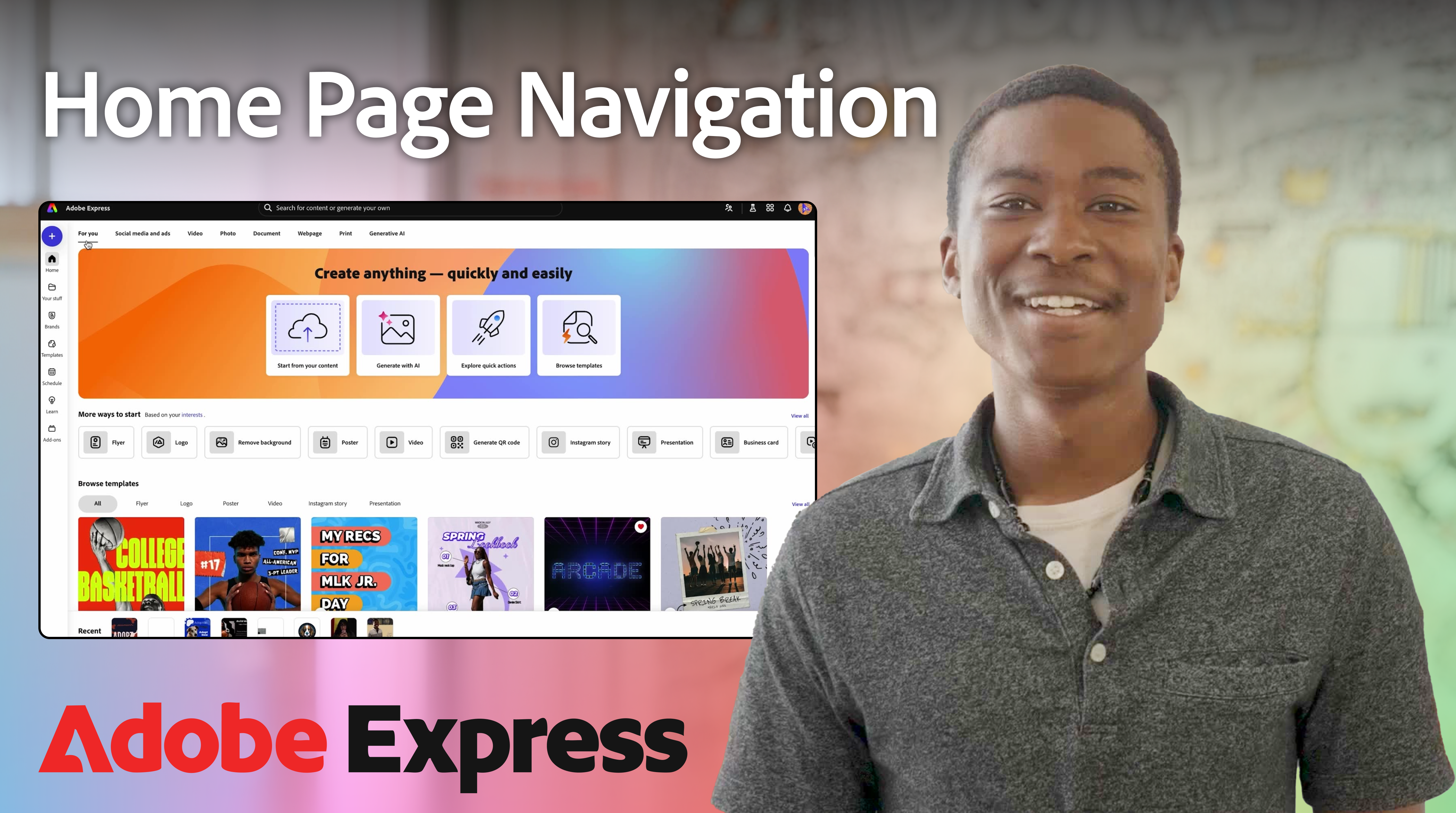
UI Navigation
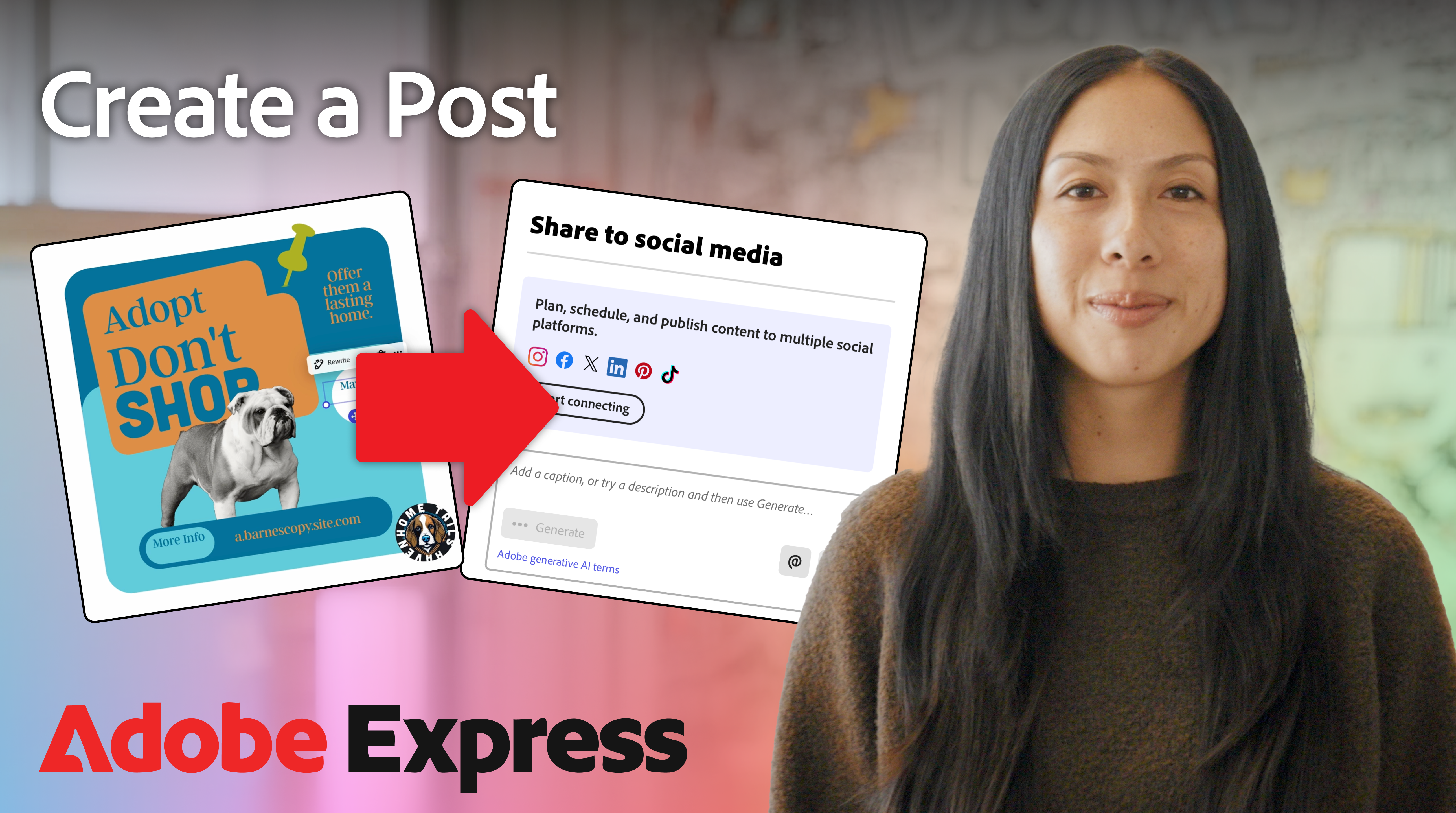
Create a Post
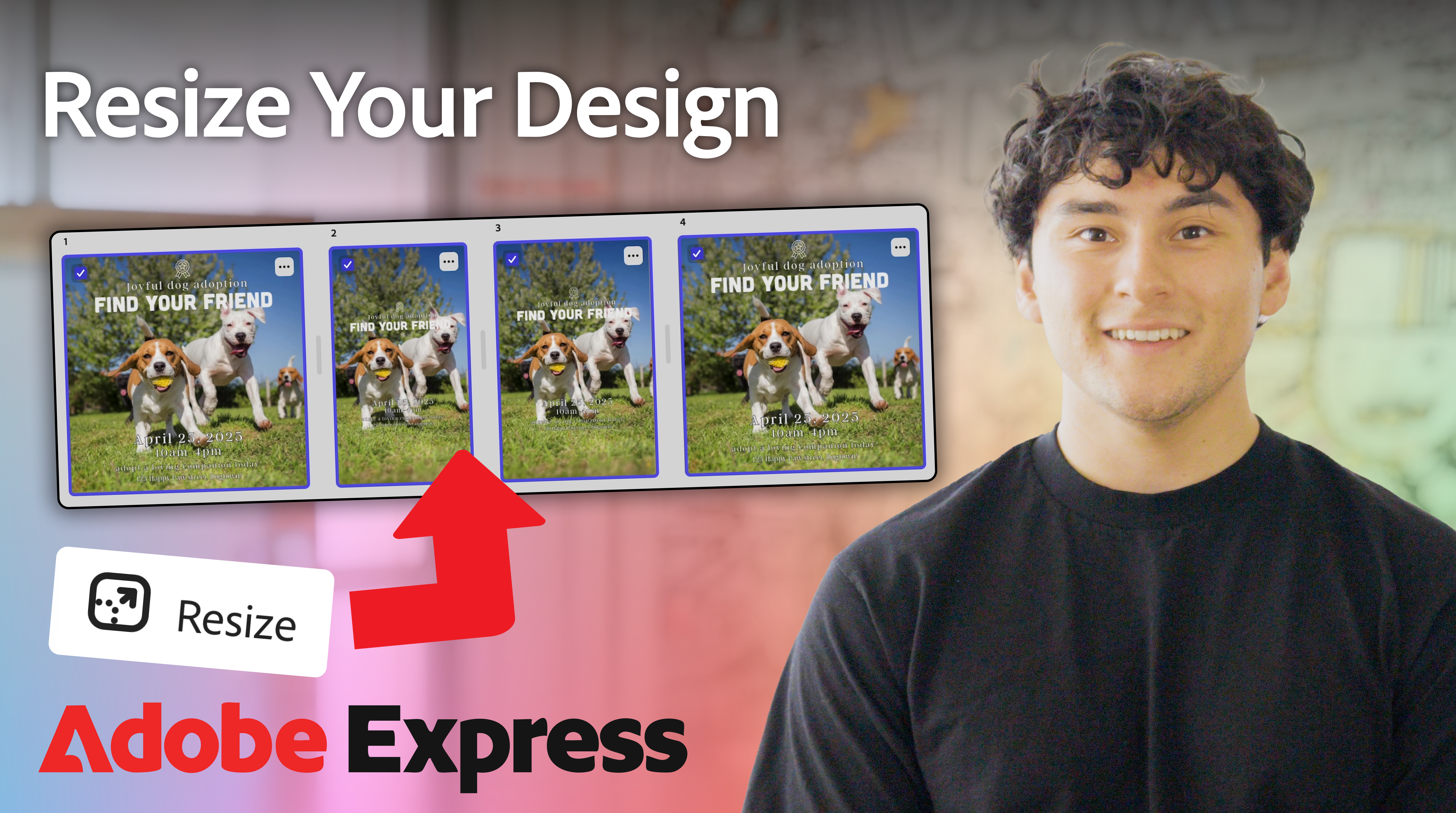
Resize Tool
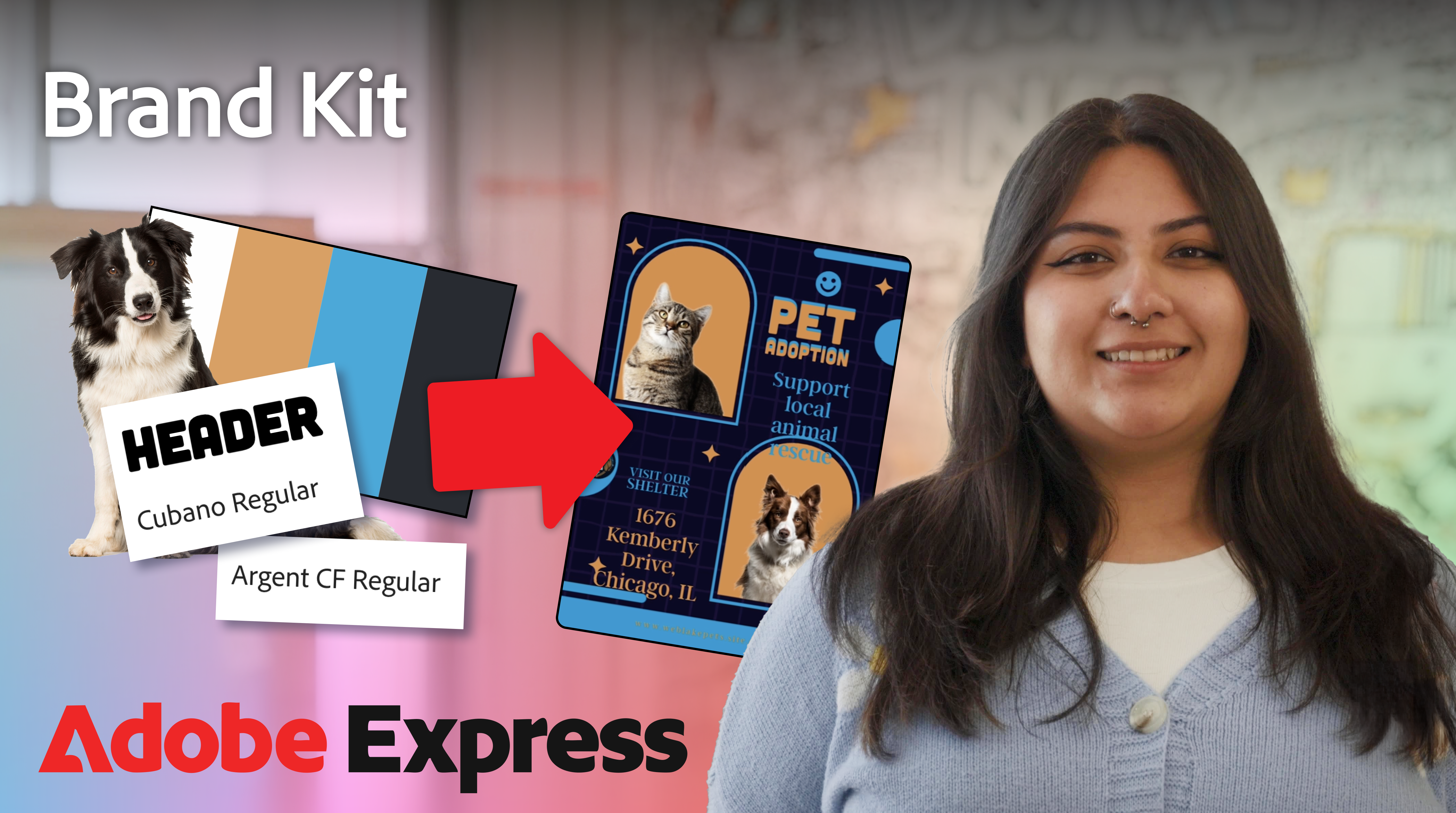
Brand Kit
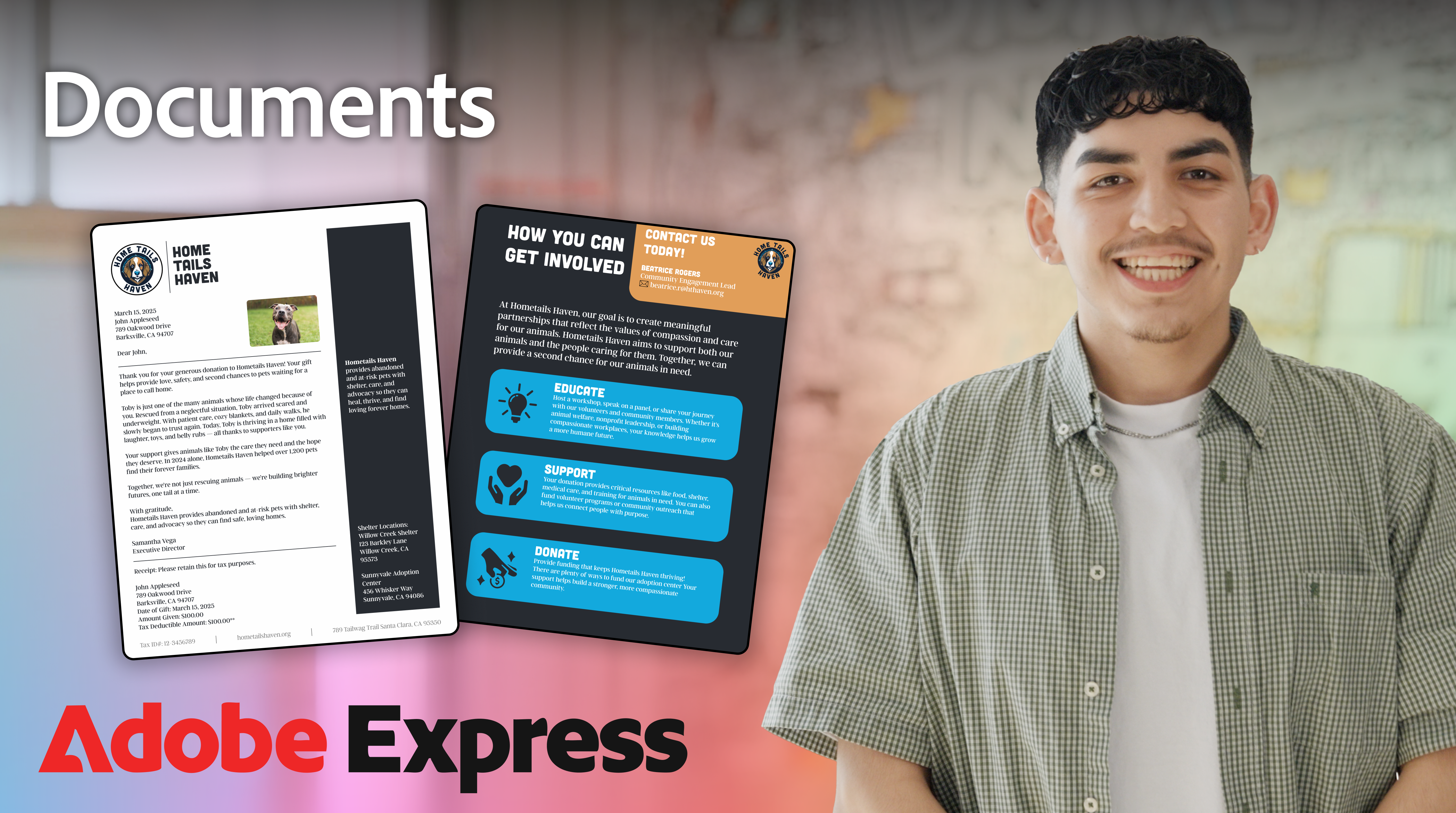
Documents
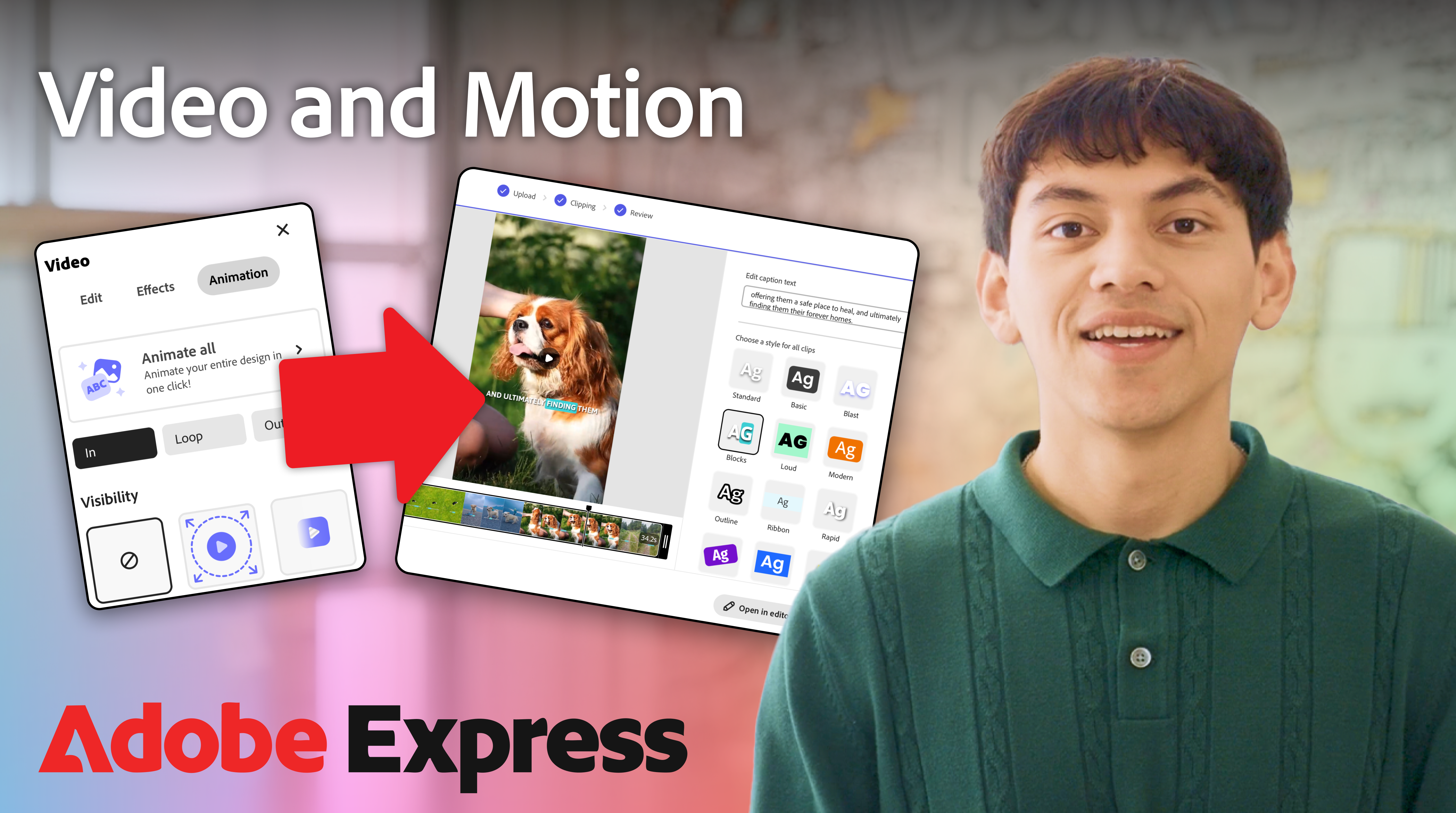
Video & Motion
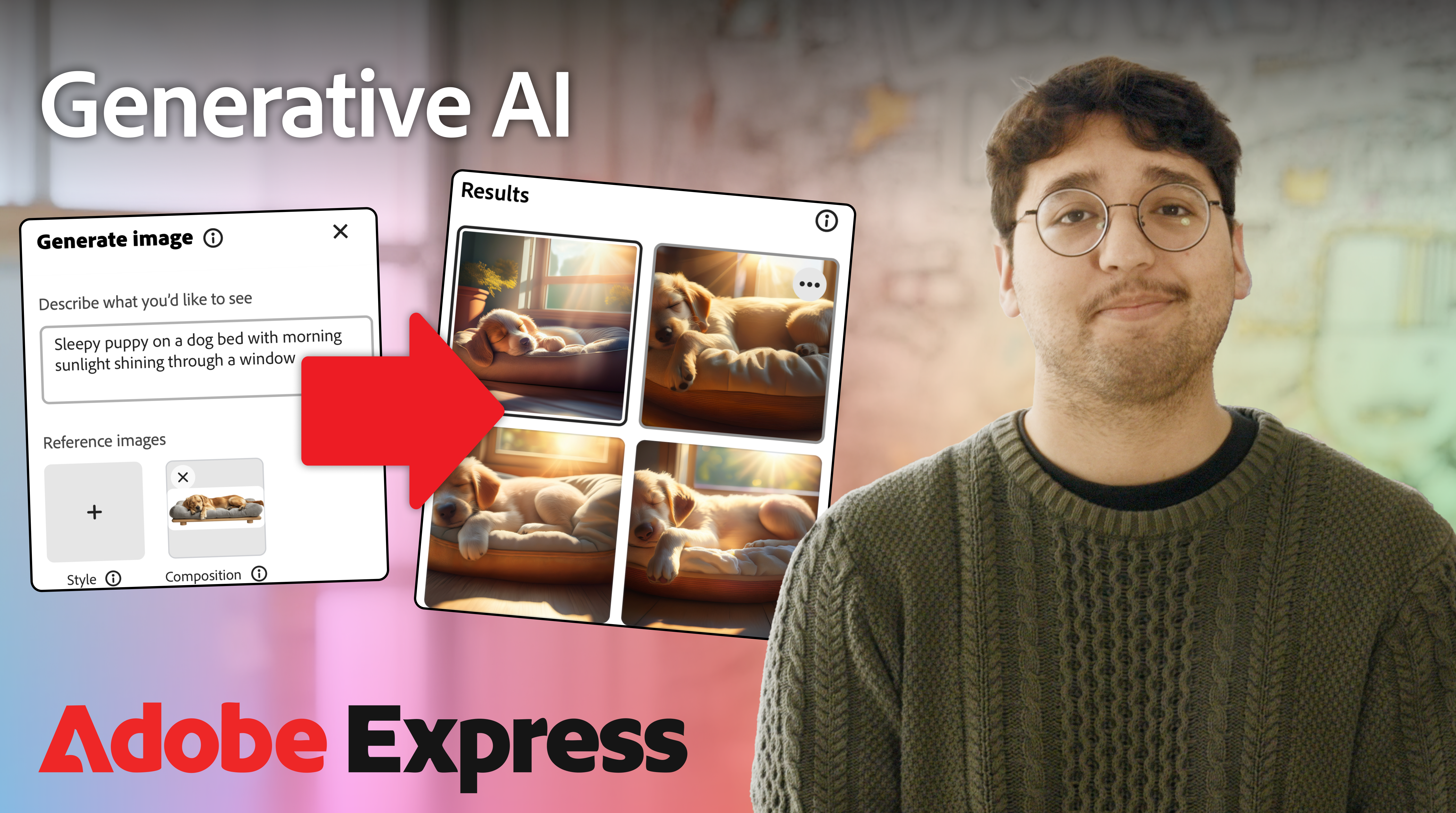
Generative AI
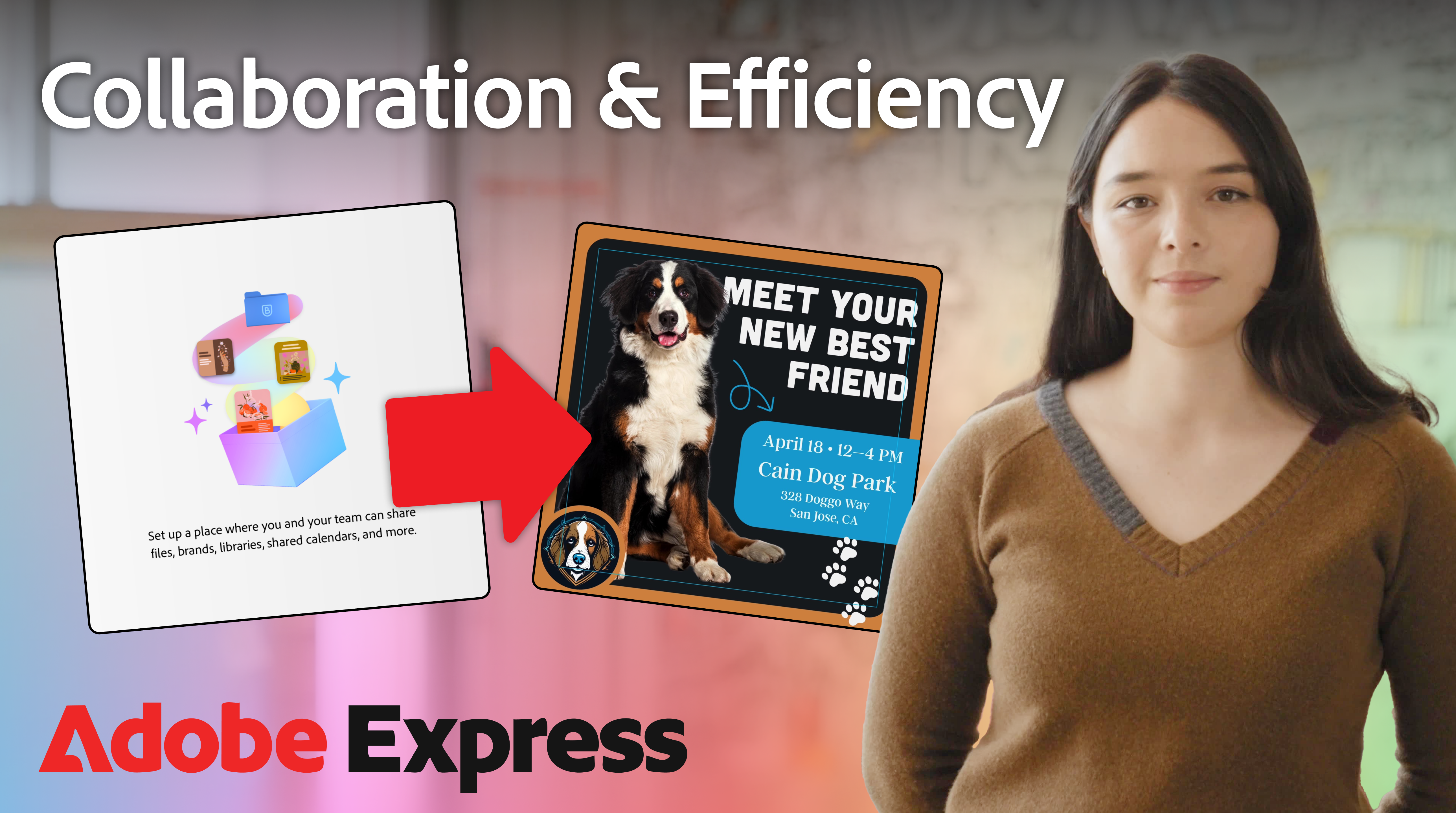
Collaboration & Efficiency
[Results]
[Outcomes]
Total views across the series
Views on top video: Resize Tool
Videos produced, approved, and published
What Happened After
The series shipped on Adobe Express’s YouTube channel and got strong positive feedback from the Adobe for Nonprofits team, specifically around the quality and the training approach.
More than the view count, what we were proud of was the response from the nonprofits we interviewed. The framing worked. Showing a real use case before the feature made the tool feel less intimidating.
The success of the series led to continued collaboration with the Adobe for Nonprofits team, expanding the relationship beyond this initial project.
[Reflections]
What I Learned
This project reinforced something I keep coming back to: context is the actual design problem. Users don’t just need to know how a tool works. They need to understand why it matters to them.
- Context over completeness: Covering every feature isn't the goal. Helping someone understand where to start is. The most effective tutorials weren't the most thorough. They were the most grounded in a real scenario.
- Research makes creative decisions easier: Having real user voices behind the content strategy meant we could push back on generic feature walkthroughs with confidence. The personas weren't decoration. They were a decision-making tool.
- Production quality is trust: Nonprofit users are skeptical of anything that feels like filler. Clean audio, paced well, no fluff. That's what made the series feel credible and worth watching.